11 Best SEO Reporting Tools & Software for Agencies in 2026
.png)
- WorkDuo: Best for agencies that want to add AI search, GEO, and competitor visibility reporting to their client offer, especially if traditional SEO reports no longer show the full picture.
- AgencyAnalytics, DashThis, and Whatagraph: Best for agencies that need fast white-label dashboards, automated reporting, and a simpler way to send polished client reports every month.
- Semrush, Ahrefs, and SE Ranking: Best for agencies that want reporting inside a broader SEO platform with rank tracking, keyword research, audits, and competitor analysis in one place.
- Google Search Console, GA4, and Looker Studio: Best for agencies that prefer a custom reporting stack built on first-party search, traffic, and conversion data rather than an all-in-one reporting tool.
- Raven Tools: Best for agencies that want a more traditional reporting setup with straightforward white-label reports, recurring delivery, and less complexity than larger platforms.
Agency reporting sounds simple until you’re doing it for ten clients at once. You’re bouncing between platforms, exporting charts, double-checking totals, and trying to explain what changed without getting lost in the weeds.
No surprise that 77% of agencies say they pull data from five different tools just to prepare for a reporting meeting. The right SEO reporting software cuts that mess down, so you spend less time building slides and more time improving results.
1. WorkDuo: Best for AI Search and GEO Reporting for Agencies

WorkDuo is a GEO and AI search visibility platform that helps agencies track, analyze, and report on how clients appear across AI-driven search experiences.
While it is not a traditional SEO reporting tool in the same mold as rank trackers or all-in-one SEO suites, it fills a growing gap for agencies that now need to report on AI visibility, competitor presence, and share of voice alongside broader SEO performance.
Key Features
1. Looker Studio Integration
WorkDuo connects with Looker Studio, making it easier for agencies to build real-time dashboards for clients. This is especially useful for agencies that want to combine AI search visibility data with broader reporting workflows.

2. Powerful API Access
The platform offers strong API access for agencies that need more advanced reporting setups. Teams can pull WorkDuo data into their own dashboards, internal systems, or client reporting layers without being locked into the native interface.

3. White Label Solutions
WorkDuo supports white-label reporting, which lets agencies deliver AI search visibility services under their own brand. That makes it easier to create a more polished client experience and position the service as part of the agency’s own offer.
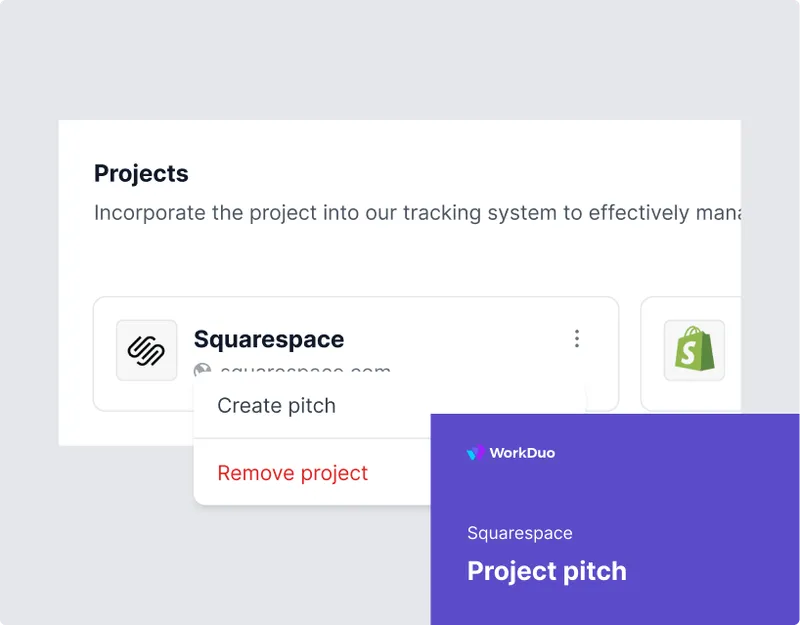
4. Pitch Projects
Agencies can spin up client-ready projects quickly with instant insights, reports, and competitor comparisons. This is useful for pitches, audits, and new business conversations where speed matters.
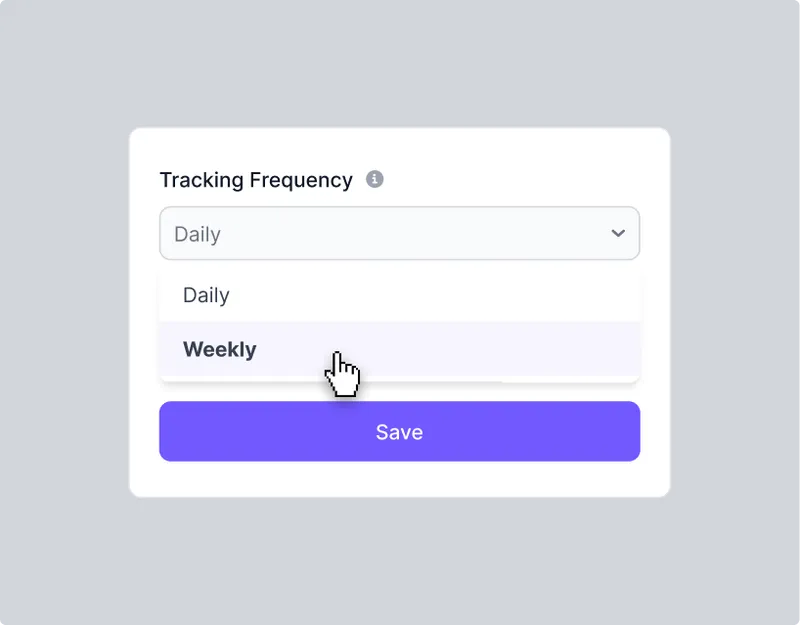
5. Custom Tracking Frequency
The platform allows agencies to decide how often prompts are tracked based on client needs. This gives teams more flexibility when reporting for high-priority accounts versus lower-frequency projects.
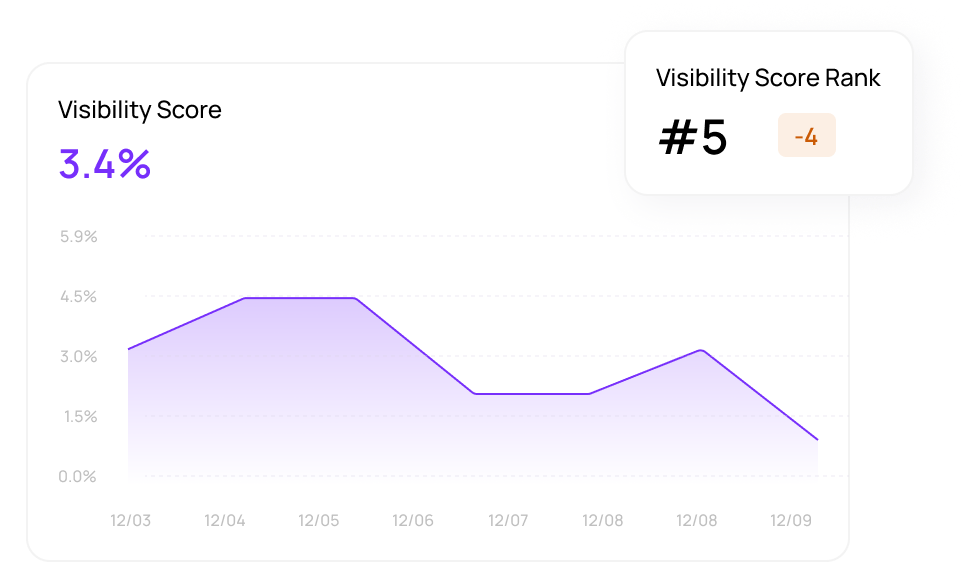
6. Competitive AI Search Reporting
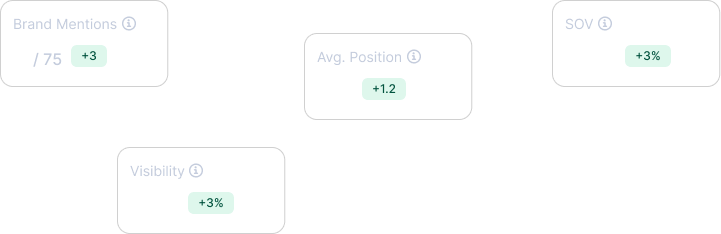
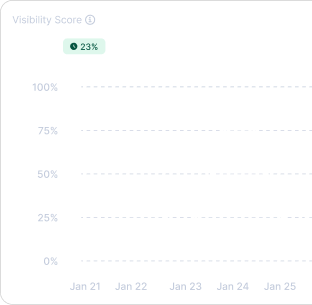
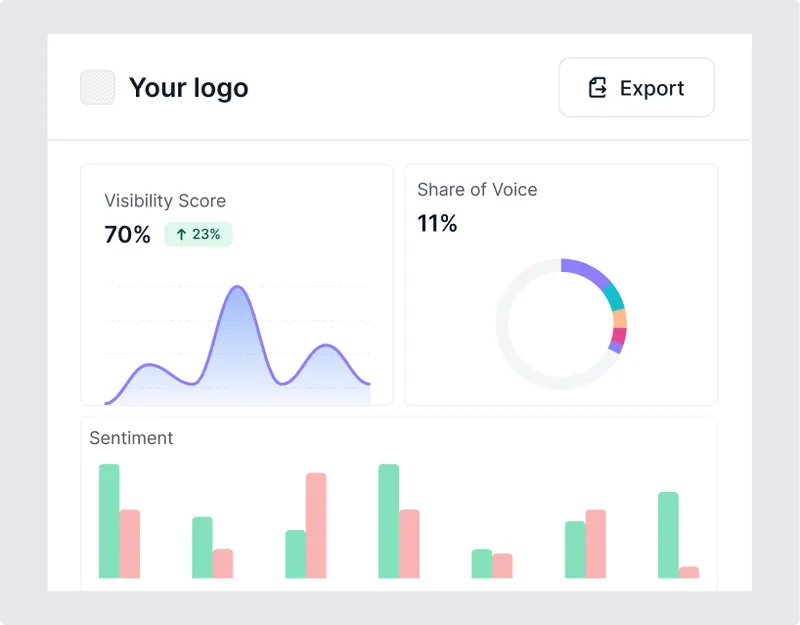
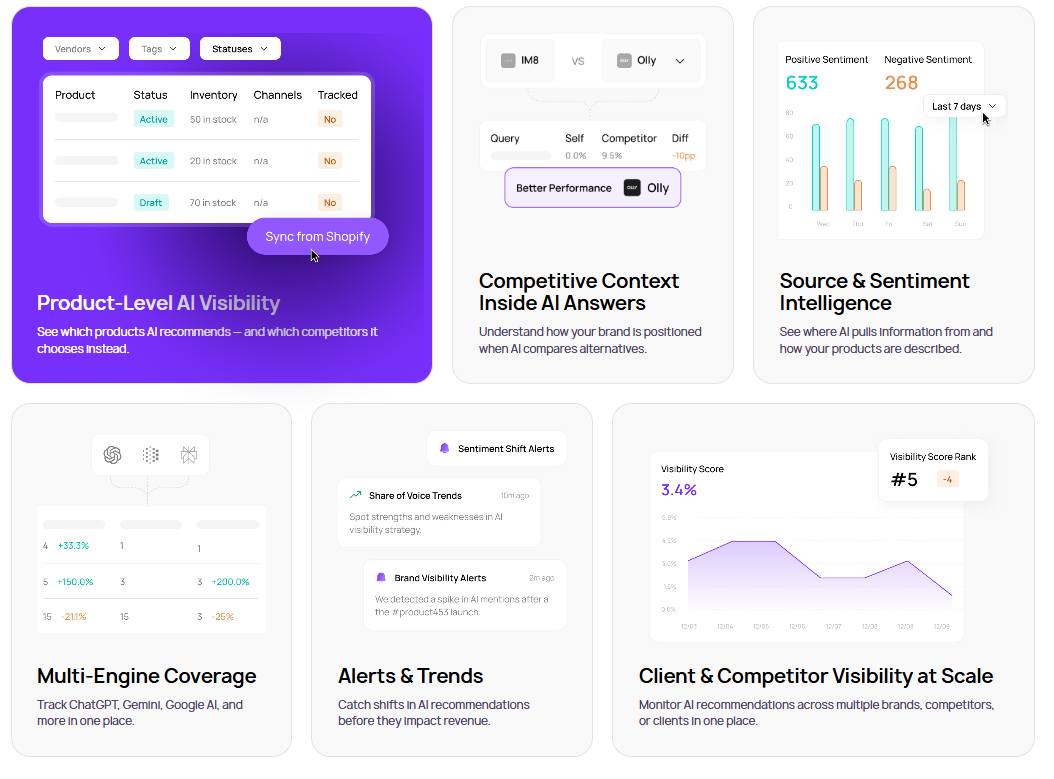
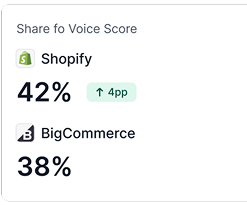
WorkDuo helps agencies report on visibility score, visibility rank, average position, and share of voice against competitors. This gives clients more context than simple appearance tracking and helps agencies show how a brand performs in the competitive AI search landscape.
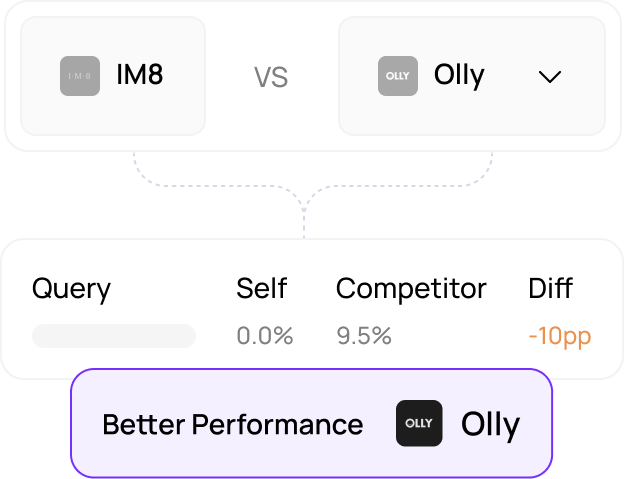
7. Multi-Client and Multi-Competitor Visibility Tracking
The platform is built to monitor visibility across multiple brands, clients, and competitors in one place. That makes it a good fit for agencies that need to manage reporting across several accounts without switching between disconnected tools.
Pricing
Where WorkDuo Shines
- Real-time tracking: Its browser-based tracking gives a more realistic view of live AI outputs than tools that depend mainly on API data.
- Helps agencies tell a stronger client story: WorkDuo gives agencies a clearer way to explain AI search performance to clients, especially when traditional SEO reports no longer show the full picture.
- Makes AI visibility easier to productize: Agencies can turn AI search tracking into a clearer service offering instead of treating it like an extra add-on.
- Works well for strategic conversations: The platform helps move reporting beyond raw data into discussions about positioning, sentiments, market presence, and competitive gaps in AI search.
- Alerts and trend tracking: Catch shifts in AI recommendations before they affect revenue.
- Multi-engine coverage: Track ChatGPT, Gemini, Google AI, and other engines in one place.
Where WorkDuo Falls Short
- Not a full traditional SEO suite: WorkDuo is strongest in AI search and GEO reporting, so agencies may still need other tools for backlinks, technical SEO, keyword research, and site audits.
- Not built for content publishing: It does not publish content or manage on-page execution across websites and landing pages.
- No servicing layer: WorkDuo provides the data, insights, and reporting foundation, but agencies still need to handle strategy, recommendations, and execution themselves.
Who WorkDuo Is Best For
- Agencies adding AI search services: A strong fit for agencies that want to expand beyond traditional SEO reporting and offer AI search visibility reporting to clients.
- Agencies that need branded reporting: Ideal for teams that want white-label dashboards, flexible exports, and stronger control over the client-facing reporting experience.
- Agencies with custom reporting workflows: Best for teams that rely on APIs, Looker Studio, or in-house systems to build tailored reporting for clients.
2. AgencyAnalytics: Best for White-Label SEO Reporting for Agencies That Need Fast Client Delivery

AgencyAnalytics is one of the most agency-ready SEO reporting platforms in this group because it is built around white-label dashboards, automated reports, client access, and multi-channel reporting from the start.
It is a strong fit for agencies that want to spend less time pulling SEO data into slides or spreadsheets and more time explaining results, priorities, and next steps to clients.
AgencyAnalytics highlights white-label dashboards, client and staff logins, automated reporting, AI summaries, and 80+ integrations.
Key Features
- White-label dashboards and reports: Brand dashboards, reports, and the client experience with your own logo, colors, and URL.
- Automated reporting: Build reports once and schedule them to send automatically.
- Client and staff access: Give clients and team members their own logins and control what they can see.
- 80+ integrations: Pull SEO, PPC, social, email, and call-tracking data into one reporting layer.
Pricing
Where AgencyAnalytics Shines
- Built for agencies: White label, templates, client access, and automation are core features.
- Fast client setup: Quick to get a client account into a client-ready state.
- Easy for clients to read: Users consistently praise the clean dashboards and simple reporting experience.
Where AgencyAnalytics Falls Short
- Lighter SEO research depth: Better for reporting than deep keyword or competitive research.
- No mature native AI visibility tracking yet: Not ideal if you want current, dedicated monitoring of AI mentions, citations, or LLM share of voice.
- Some metrics feel limited: Reviewers mention limited insights in some reporting views.
- Local SEO depth could be better: Reviewers specifically call out wanting more local pack insight.
- Some integrations are still wanted: Reviewers mention gaps around some call tracking, email, and social reporting needs.
Customer Reviews
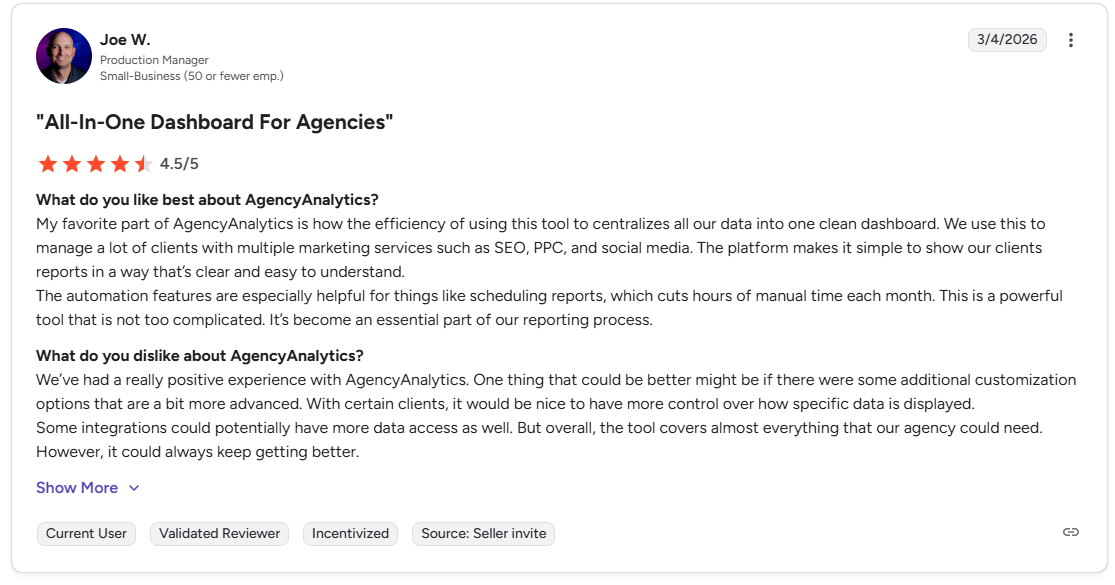
Joe W., Production Manager, on G2 said that AgencyAnalytics centralizes marketing data into a clear, client-friendly dashboard and saves significant time with easy reporting automation.
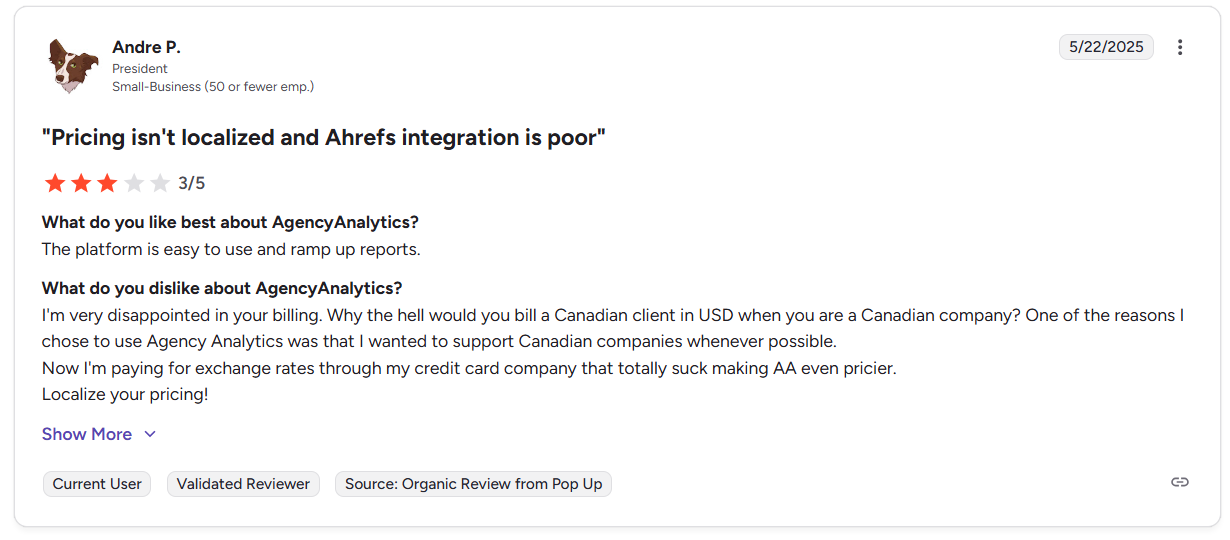
Andre P., President, said that AgencyAnalytics’ pricing is frustrating for Canadian customers because billing in USD adds exchange-rate costs, making the platform feel more expensive than expected.
Who AgencyAnalytics Is Best For
- Agencies that need polished white-label reporting fast: Especially teams sending recurring client reports every month.
- Multi-service agencies: A good fit when SEO reporting needs to sit alongside PPC, social, and other channel data.
3. Semrush: Best for SEO Reporting Inside a Broader SEO And Competitive Intelligence Platform
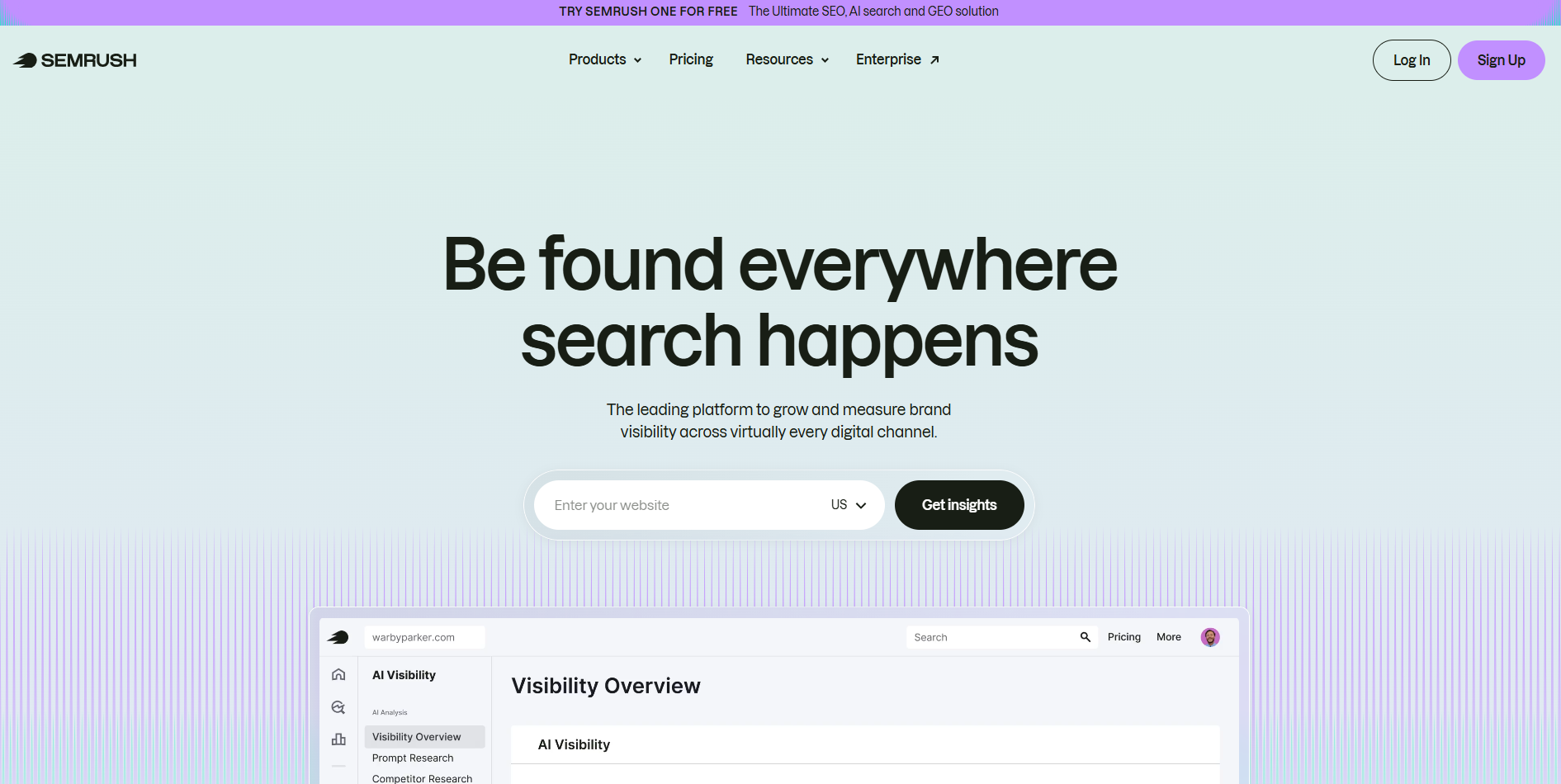
Semrush is a strong agency choice when reporting is only one part of the job and your team also needs keyword research, rank tracking, technical SEO, and competitor analysis in the same stack.
Its My Reports product is built for teams and agencies, supports fully customizable reports, and pulls data from Semrush plus 20+ marketing tools.
Key Features
- My reports builder: Combine Semrush data and 20+ integrations into customizable reports.
- Automated delivery: Schedule reports or share live dashboard links with clients.
- White-label reporting: Add logos, branding, and export reports in client-friendly formats.
- Broad SEO toolset: Reporting sits alongside rank tracking, audits, keyword research, and competitor analysis.
Pricing
Where Semrush Shines
- Strong all-in-one stack: Good when the same team is doing reporting, audits, keyword research, and strategy.
- Flexible reporting: You can mix Semrush and third-party data in one report.
- Agency-friendly depth: People using this tool praise the breadth of tools for SEO, competitors, and reporting.
Where Semrush Falls Short
- Steeper learning curve: Teams repeatedly say the platform can feel overwhelming at first.
- Extra cost for full AI visibility: The AI Visibility Toolkit is a paid add-on starting at $99/month, and additional users for that toolkit also cost extra.
- Workflow can feel clunky: Their customers mention usability friction when moving between modules.
- Database coverage can vary by market: Reviewers mention weaker keyword coverage in smaller-language markets.
Customer Reviews
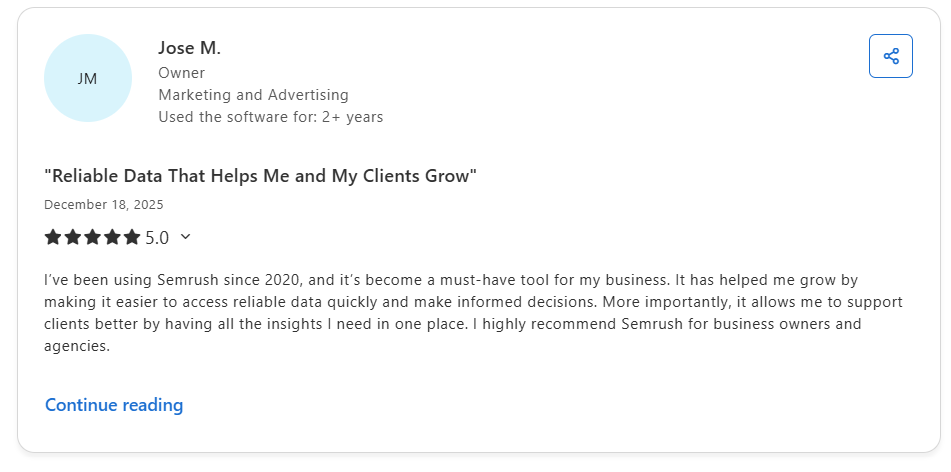
Jose M., Owner in Marketing and Advertising on Capterra, said Semrush is a reliable all-in-one tool that helps him access fast, trustworthy insights to grow his business and support clients more effectively.
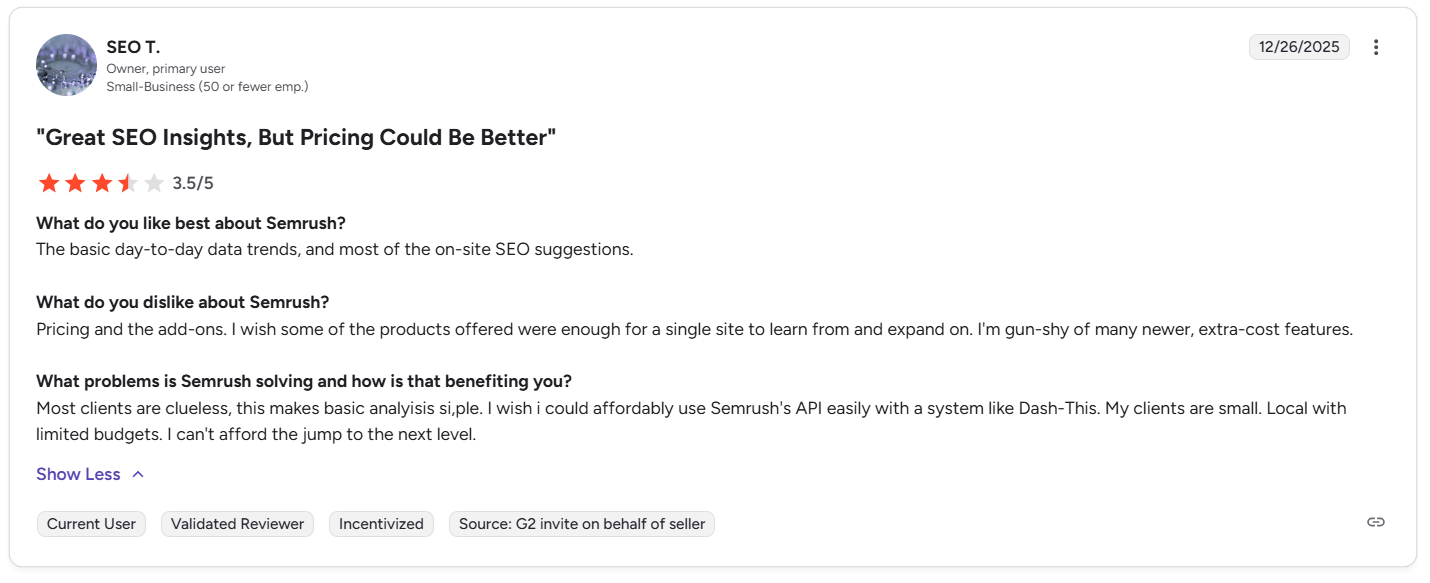
SEO T., Owner, said Semrush delivers strong SEO insights and makes client analysis easier, but the pricing, add-ons, and jump to higher plans feel too expensive for small local clients.
Who Semrush Is Best For
- SEO agencies that also need research and execution tools: Best when reporting is tied closely to hands-on SEO work.
- Agencies that want one stack for reporting and strategy: A good fit if you want branded reports plus keyword, rank, audit, and competitor workflows in one place.
4. SE Ranking: Best for White-Label SEO Reporting Plus Client-Facing Agency Features
SE Ranking is one of the clearest agency-focused SEO platforms in this set. Its white-label tools let agencies customize the platform with their own branding, domain, and client access, while its Agency Pack adds unlimited automated reports and client-facing tools. That makes it a strong middle ground between a pure reporting layer and a fuller SEO platform.
Key Features
- White-label platform and reports: Customize logos, colors, domain, login page, and report branding.
- Client seats and controlled access: Give clients access to selected tools and views.
- Unlimited automated reports: Agency Pack includes recurring white-label report delivery.
- SEO platform depth: Reporting sits inside a wider stack with rank tracking, audits, and competitor research.
Pricing
Where SE Ranking Shines
- Very agency-specific: White label, client access, and agency workflows are built in.
- More ownable client experience: It is easier to present as your own branded platform.
- Good SEO-reporting balance: Many users praise the mix of reporting, rank tracking, and agency usability.
Where SE Ranking Falls Short
- Reporting feedback is mixed: Some reviewers say reporting still needs more intuitive, easy-to-read options.
- Some stronger AI capabilities are tied to add-ons or higher plans: The AI Search Add-on extends limits, and Looker Studio availability is on Growth and higher plans
- Interface can feel crowded: Reviewers mention that parts of the UI can feel confusing or buried.
- Some features need extra setup: The most agency-specific features depend on White Label or Agency Pack configuration.
Customer Reviews
Ryan S., Founder and Inbound Marketing Consultant, said that SE Ranking stands out for its connected workflow, intuitive interface, reliable data, and cost-effective value for agency teams.

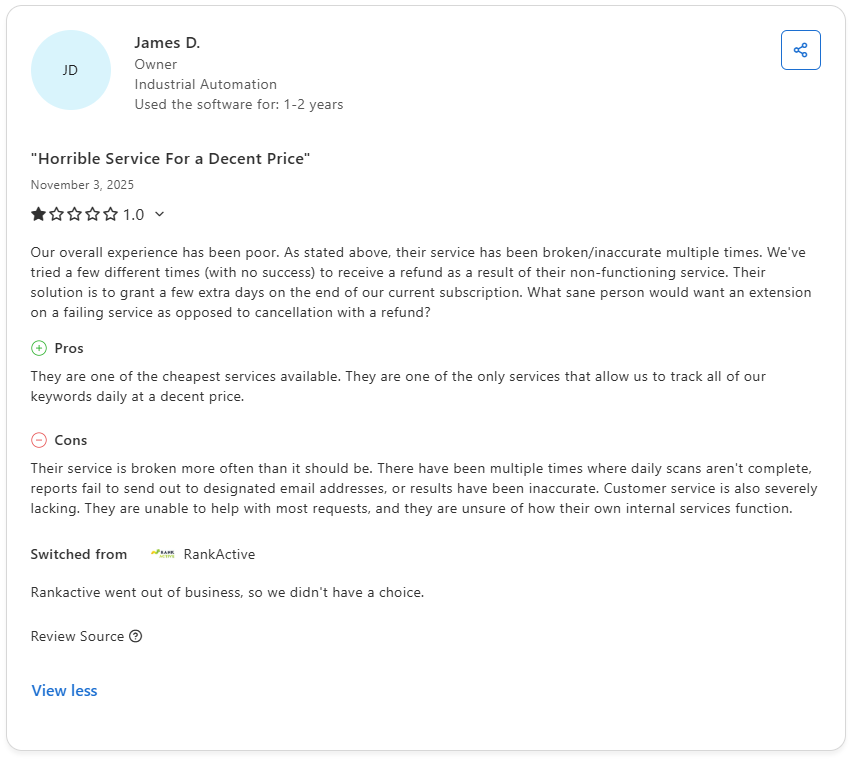
James D., Owner, said that their experience with SE Ranking has been poor due to repeated accuracy issues and unhelpful refund handling when the service did not work properly.
Who SE Ranking Is Best For
- SEO-focused agencies: Especially those that want branded reports and client visibility without stitching together many tools.
- Agencies that want a white-label client experience: A good fit when presenting your own branded platform matters.
5. Google Search Console: Best for Source-Of-Truth Google Search Performance Data That Agencies Should Feed Into Client Reporting

Google Search Console is not an agency reporting platform in the same way the other platforms are, but it is still essential because it gives you direct Google data on clicks, impressions, CTR, position, indexing, and page experience signals.
For agencies, the real value is that it acts as the source-of-truth dataset you can analyze in-platform, export, access by API, or send into BigQuery for longer-term reporting workflows.
Key Features
- Performance report: Shows clicks, impressions, CTR, average position, queries, and pages.
- Indexing and issue monitoring: Helps agencies track indexing status and site issues directly from Google.
- Bulk export to BigQuery: Supports ongoing daily export of Search Console performance data.
- API access: Useful for custom reporting stacks and automation.
Pricing: Free
Where Google Search Console Shines
- Direct Google data: It is the cleanest source for Google organic search reporting.
- Strong technical context: Indexing, page issues, and search performance all live in one free tool.
- Excellent reporting backbone: BigQuery export and API access make it valuable for agency reporting systems.
Where Google Search Console Falls Short
- No white-label reporting: It is not built for branded agency delivery or client portals.
- Google-only view: It tells you about Google Search performance, not ChatGPT, Perplexity, Gemini, Claude, or other LLM platforms.
- No brand mention or sentiment tracking: Search Console tracks clicks, impressions, CTR, and position, not how AI systems describe your brand or whether they mention you without a click.
- No prompt-level cross-LLM research: It does not provide prompt discovery, topic coverage across LLMs, or AI citation benchmarking.
- Bulk export runs daily only: It is useful, but not a live reporting feed.
Customer Reviews
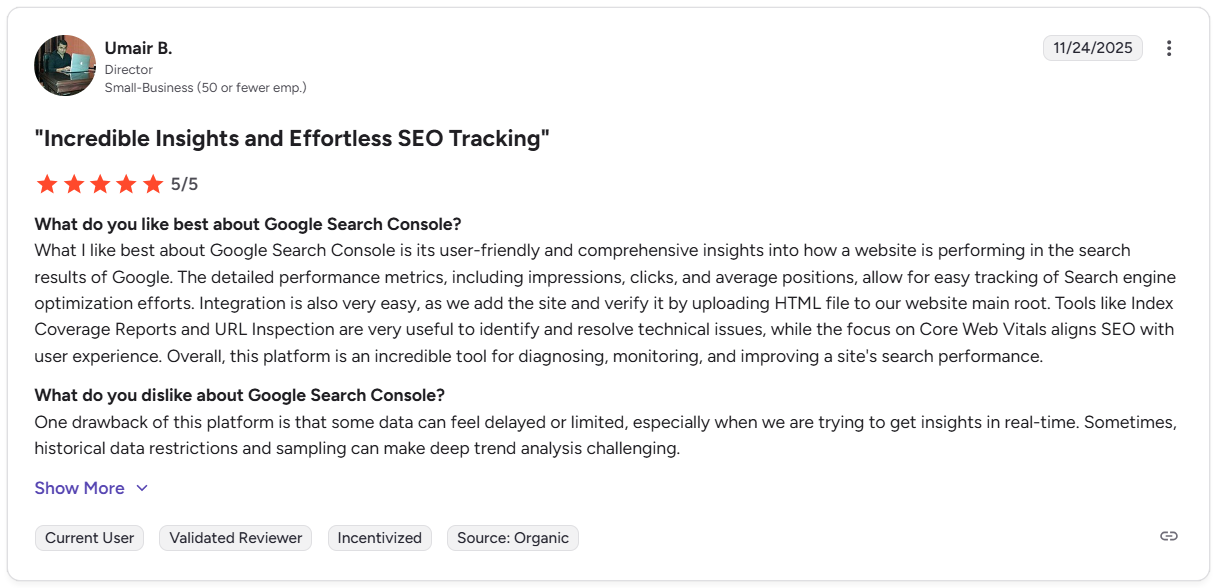
Umair B., Director at a small business, on G2 said that Google Search Console is a user-friendly and valuable tool for tracking search performance, fixing technical issues, and improving SEO with clear site insights.
Suayip Can O., Founder and SEO Consultant, said that Google Search Console has frustrating data limits, including restricted exports, short data retention, and the need for extra setup to access fuller keyword reporting.

Who Google Search Console Is Best For
- Every SEO agency as a data source: Even if you do not present it directly to clients, it should feed your reporting stack.
- Agencies building custom reporting workflows: Especially those exporting into BigQuery or pulling data by API.
6. Google Analytics 4 (GA4): Best for First-Party Traffic, Engagement, And Conversion Reporting Straight From Google
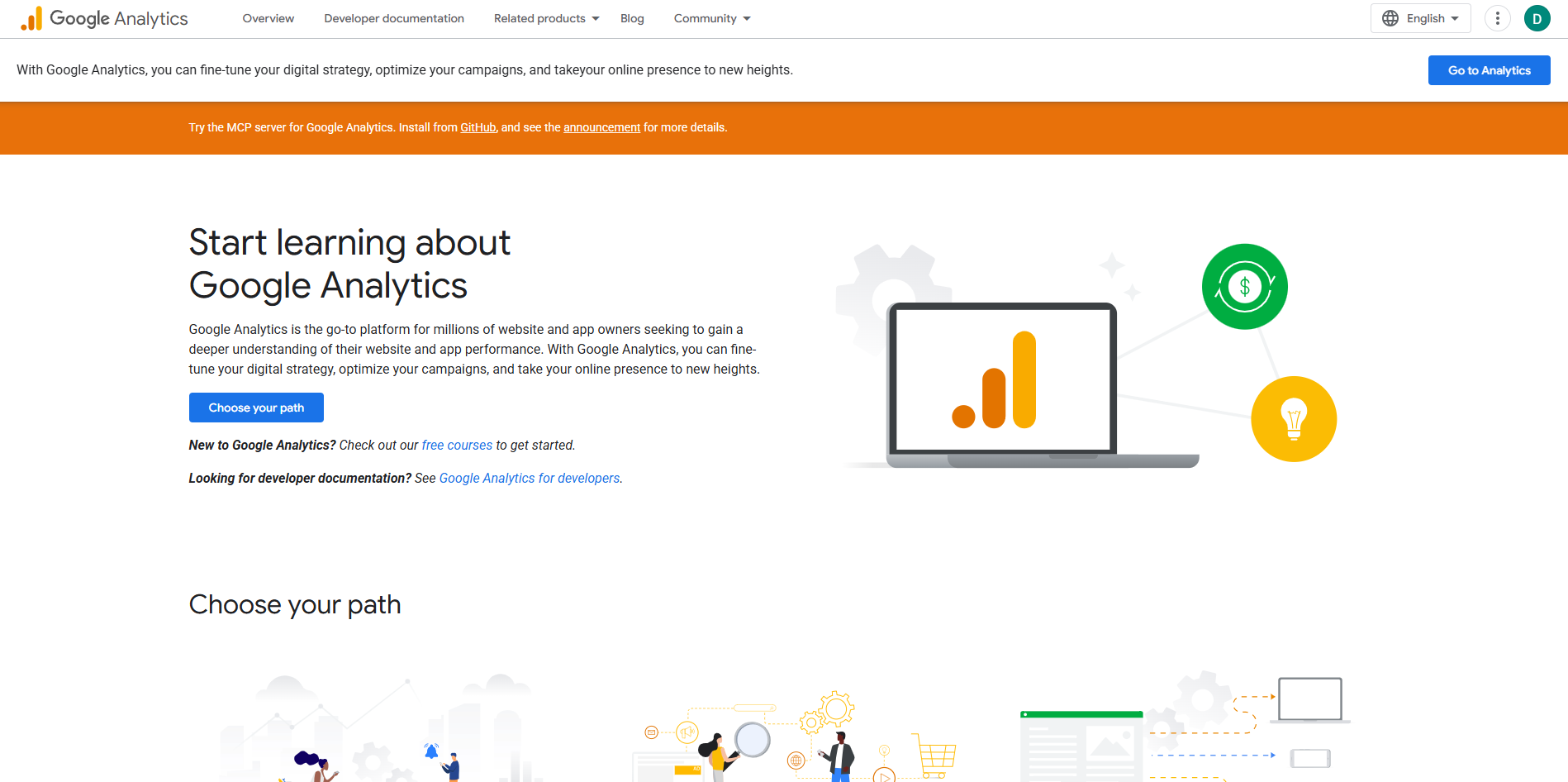
GA4 works best as the performance data layer behind agency reporting, especially when you need to explain what organic traffic is doing after the click.
Agencies can customize reports, organize report navigation, and use the Data API for more flexible reporting workflows, which makes GA4 useful even when the final client-facing dashboard lives somewhere else.
7. Looker Studio: Best for Building Shareable SEO Dashboards That Pull Multiple Client Data Sources into One View

Looker Studio is a strong agency option when you want to turn SEO, analytics, and paid media data into one dashboard clients can actually follow.
Its main strength is flexibility: you can connect data sources, collaborate in real time, embed reports, and share them by link, while Looker Studio Pro adds scheduled delivery for agencies that want a more repeatable reporting setup.
8. Ahrefs: Best for SEO Reporting Closely Tied to Rankings, Backlinks, Technical SEO, And Competitor Research

Ahrefs is a better fit for agencies that want reports to come out of the same platform they use for SEO work every day.
Its dashboard, report builder, and Looker Studio connectors make it easier to surface rank tracking, site audit, and site explorer data in a more client-friendly format, while still keeping the reporting grounded in hands-on SEO analysis rather than just presentation.
9. DashThis: Best for Fast, Client-Ready SEO Dashboards Without Spending Too Much Time on Setup
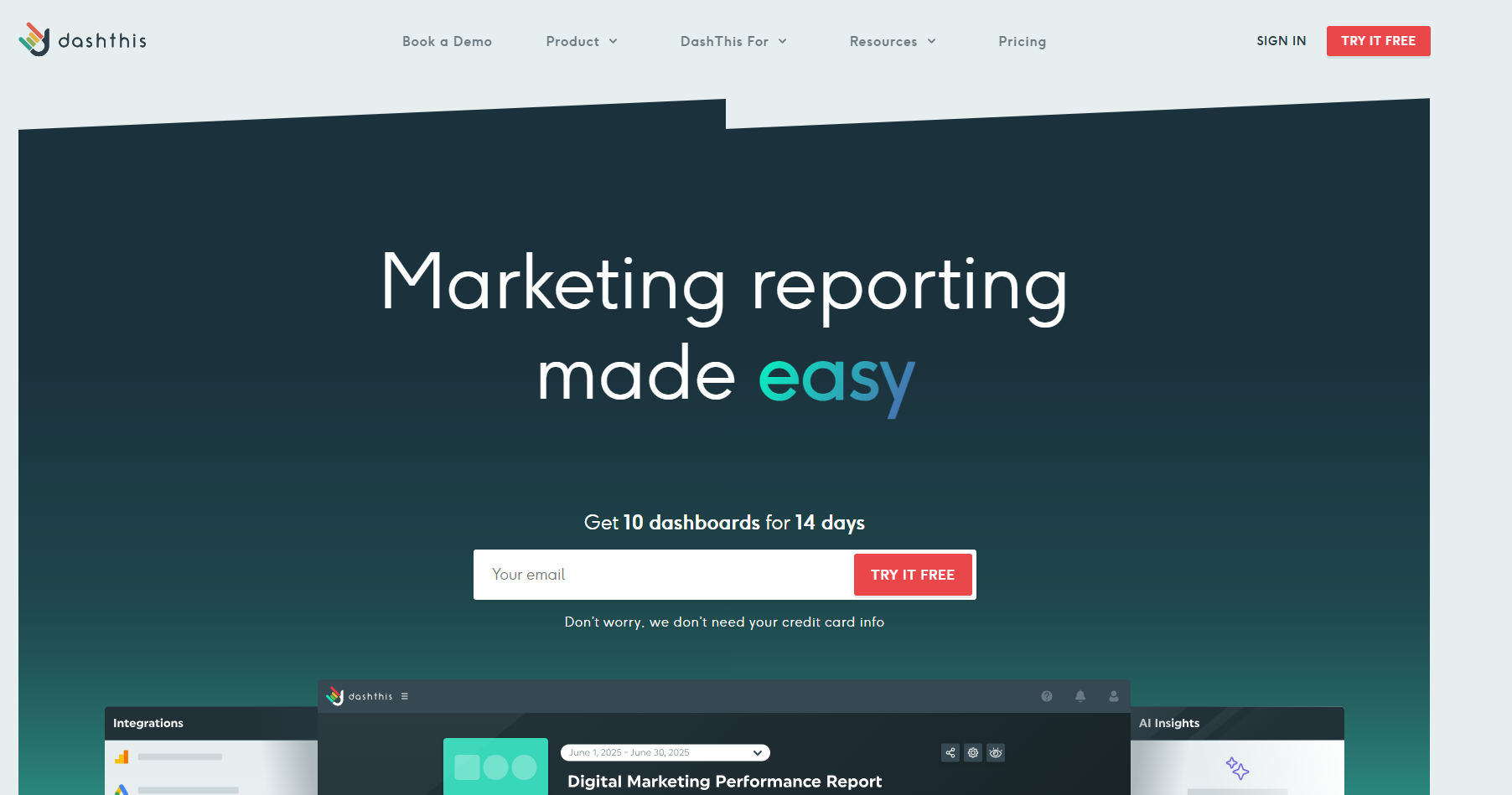
DashThis is built much more around delivery than deep SEO research, which is exactly why many agencies like it for recurring reporting.
It focuses on automated dashboards, templates, customization, and client-ready presentation, so it suits teams that already have their SEO tools but need a simpler way to package results into dashboards that are easy to send and easy for clients to read.
10. Whatagraph: Best for Polished White-Label SEO Dashboards with Strong Cross-Channel Reporting

Whatagraph is a strong agency choice when SEO reporting needs to sit alongside PPC, social, and other marketing data in one branded report. Its positioning leans heavily into white-label dashboards, AI-assisted report creation, and connected marketing reporting, which makes it especially appealing for agencies that want something more presentation-focused than a traditional SEO platform.
11. Raven Tools: Best for Straightforward SEO Reporting with Classic White-Label Agency Workflows
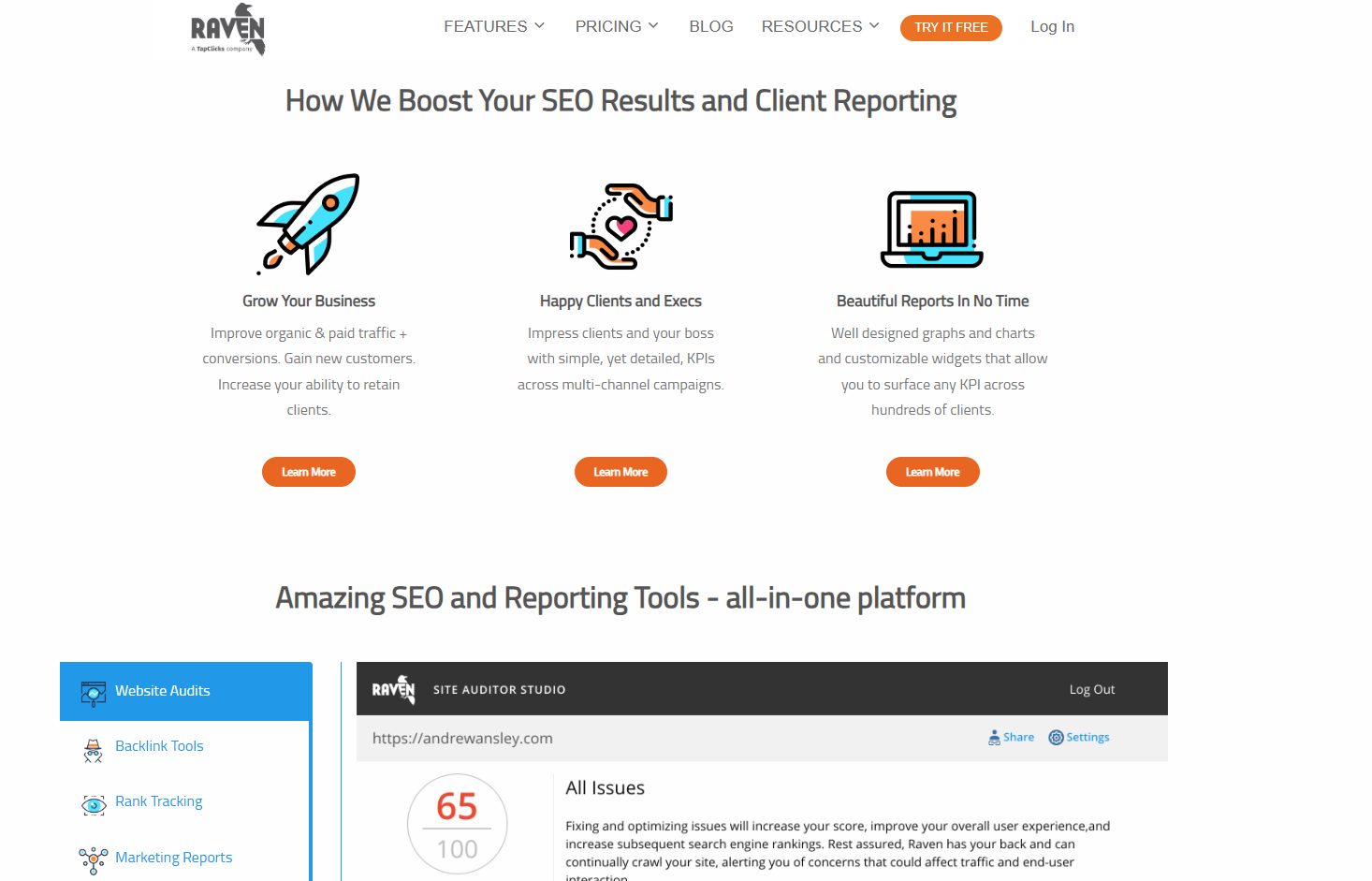
Raven Tools still makes sense for agencies that want a more traditional reporting setup centered on SEO, PPC, and marketing summaries.
Its drag-and-drop reports, scheduled or on-demand delivery, summary pages, and unlimited report creation make it practical for agencies managing many client accounts, especially when the goal is reliable recurring reporting rather than a more modern all-in-one analytics workspace.
How to Choose the Best SEO Reporting Tool for Your Agency
Here are a few things to check before you choose the best SEO tool for your agency:
1. Built for AI Search, Not Just Traditional SEO
Some SEO tools still focus mostly on traditional search results. That can be limiting if your clients also care about AI-driven discovery. WorkDuo is built for this shift, with features like AI position tracking, sentiment analysis, multi-platform tracking, and competitor benchmarking.
2. Supports Real Agency Use Cases
Your tool should work well across multiple clients and brands. Look for flexible projects, API access, white-label reporting, and custom tracking options. These features help agencies scale reporting more easily. WorkDuo is a strong fit here for both agency and in-house teams.
3. Fits Your Client Type
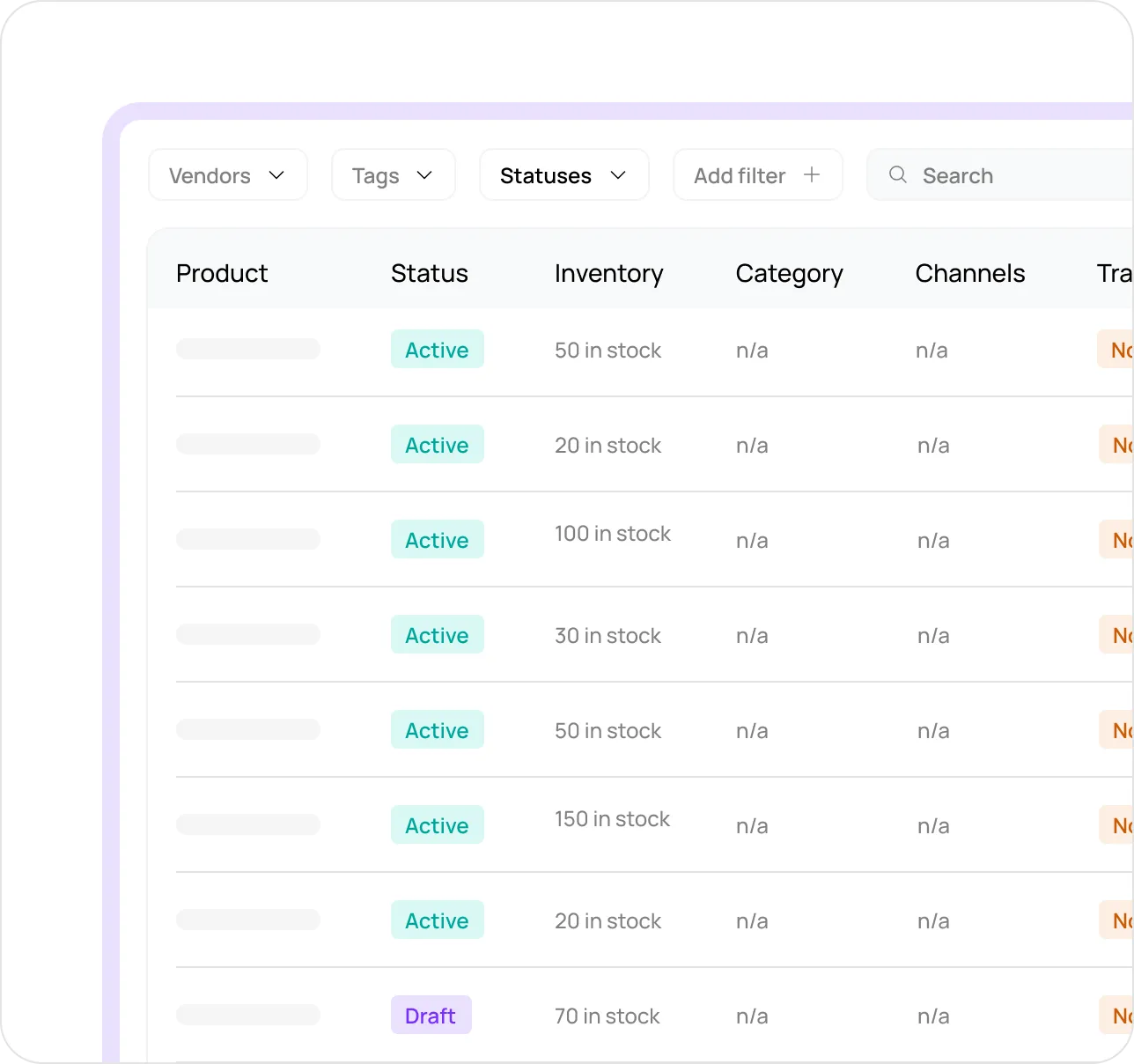
Different clients need different reporting. For e-commerce brands, for example, that means tracking product recommendations, buying journeys, and competitor content, not just mentions. WorkDuo is built with those commerce-focused use cases in mind.
4. Pricing That Scales With You
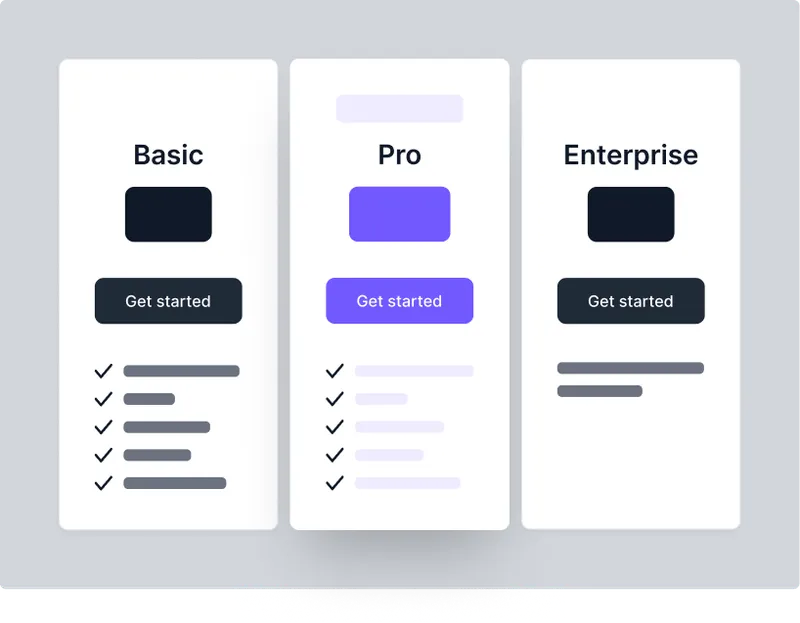
Pricing can become a problem when your client list grows. Look for a tool that can scale without forcing you into rigid limits. WorkDuo uses volume-based pricing, which can be more practical for agencies managing multiple accounts.
Add AI Visibility Reporting to Your Agency SEO Stack With WorkDuo
Clients are starting to ask questions that traditional SEO reports cannot fully answer. WorkDuo helps your agency add AI visibility, competitor tracking, and client-ready reporting to one clearer workflow, so you can show value beyond rankings alone.
Bring AI search reporting into your stack now and give clients a fuller view of performance.
Sign up today and build your first AI visibility report.
Fiona is the Co‑Founder of WorkDuo AI, where she helps brands optimize their AI search visibility. Previously, she co‑founded SHOPLINE, a smart commerce platform in Asia, and led its successful exit to a NASDAQ‑listed company in 2022. With deep expertise in scaling tech businesses and working with global investors, Fiona now advises startups on growth and data-driven decision-making, while leading WorkDuo’s mission to improve how brands are represented in AI-driven search.

Ready to try our product?
Sign up for a free consultation with our experts.


Follow Us on Social Media
Follow our profiles for daily updates, behind-the-scenes content, and more.



More articles